
Written byJanet BashorunUpdated on Feb 04, 2026

Brief introduction: Facebook video download online is the ultimate solution for saving offline clips, personal archiving, and content creation. While Facebook restricts direct downloads, Tatasoft Video Tool breaks these barriers by converting any video into high-quality MP4s. Start downloading Facebook videos in high definition today with our secure, fast, and reliable downloader.
In this article
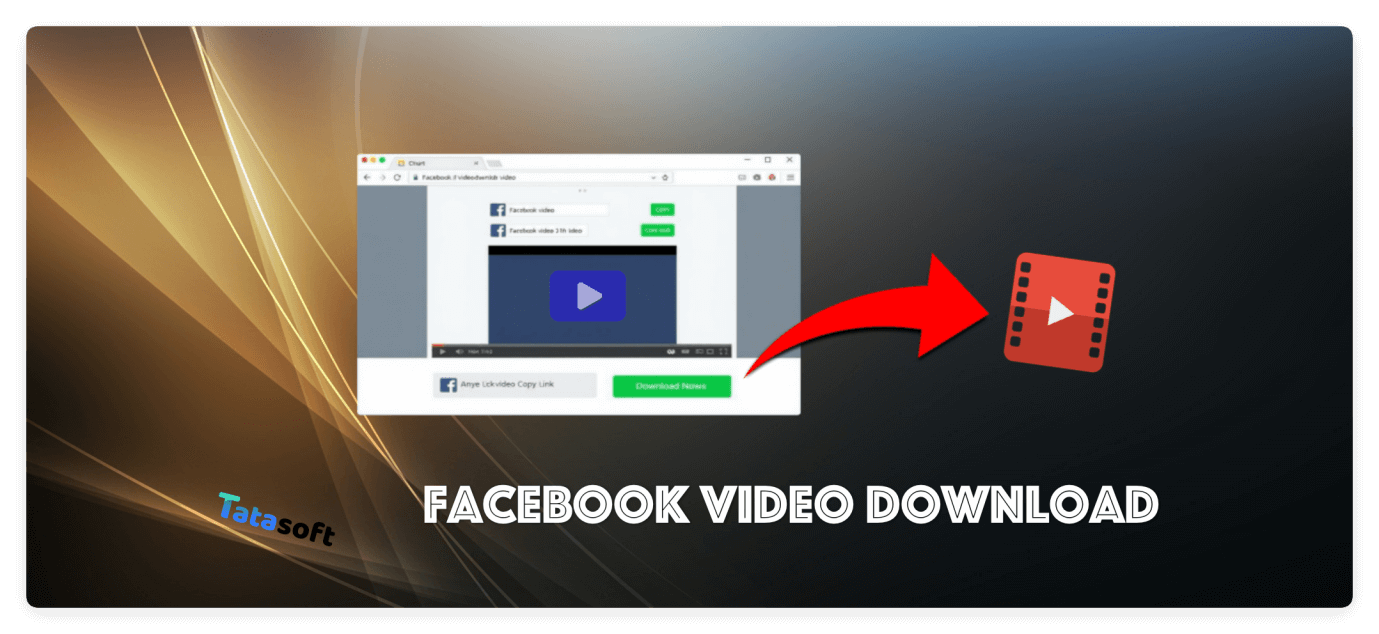
Facebook video download online tools are web-based platforms designed to fetch video files from Facebook URLs and convert them into downloadable formats. They are ideal for casual users due to their simple workflow:
Practical Use Cases:
By focusing on usability, workflow, and practical benefits, this section sets the stage for later discussing risks, quality issues, and advanced features in separate sections. For those looking to expand their library beyond social media, you can also learn more about how to download online videos from various other platforms.
While convenient, many free Facebook video download online sites carry significant drawbacks:
Users may also encounter restrictions for videos uploaded as private or restricted content, meaning some links won’t work at all. Additionally, slower platforms can take several minutes for a single video, making multiple downloads inefficient.
For a secure and high-definition experience, Tatasoft Video Tool is the premier choice. Unlike basic websites, this software handles complex tasks like downloading videos from a link while ensuring 4K quality and batch efficiency.
Step 1: Download and install Tatasoft Video Tool.
Step 2: Copy the Facebook video URL from your browser or app.
Step 3: Select Format: Open Tatasoft Video Tool > change to Get Videos > Select MP4 and your desired resolution (HD, 4K or 8K recommended).
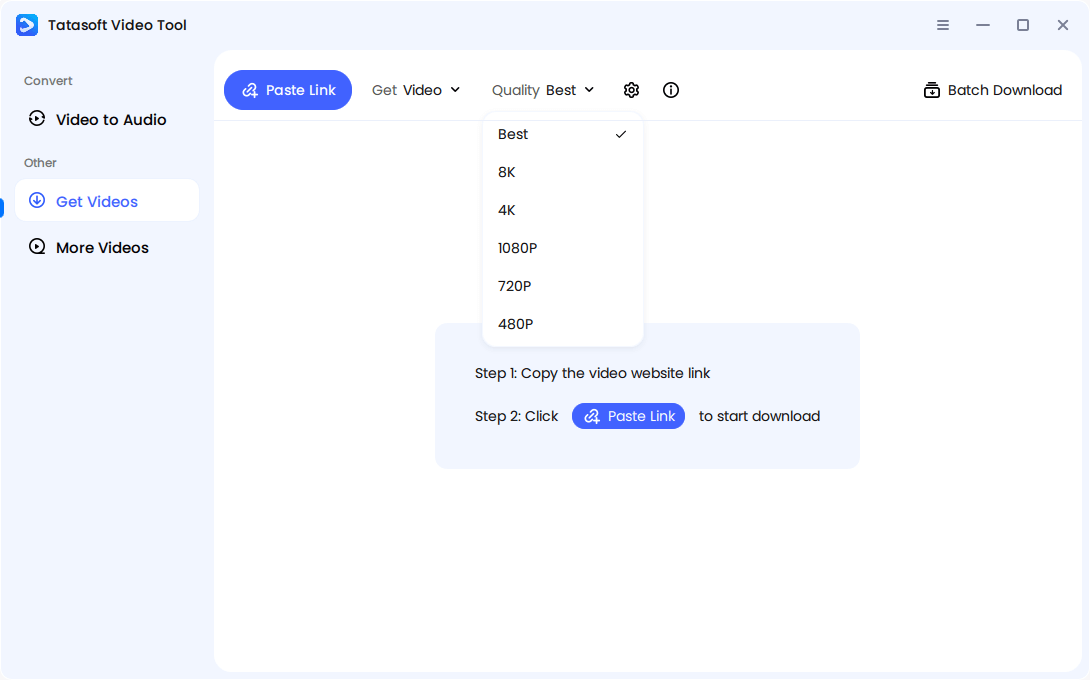
Step 4: Paste the link by clicking Paste Link button. The software will analyze the link and start downloading automatically. Just wait for processing.
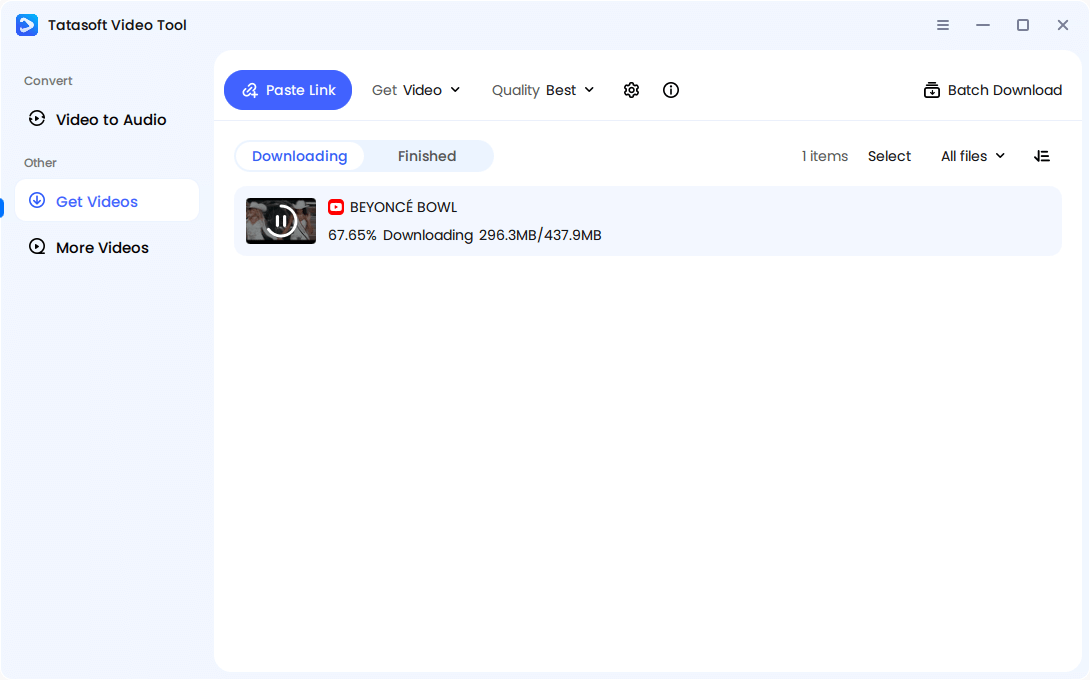
Step 5: Access your saved videos in the Tatasoft Library folder for easy organization.
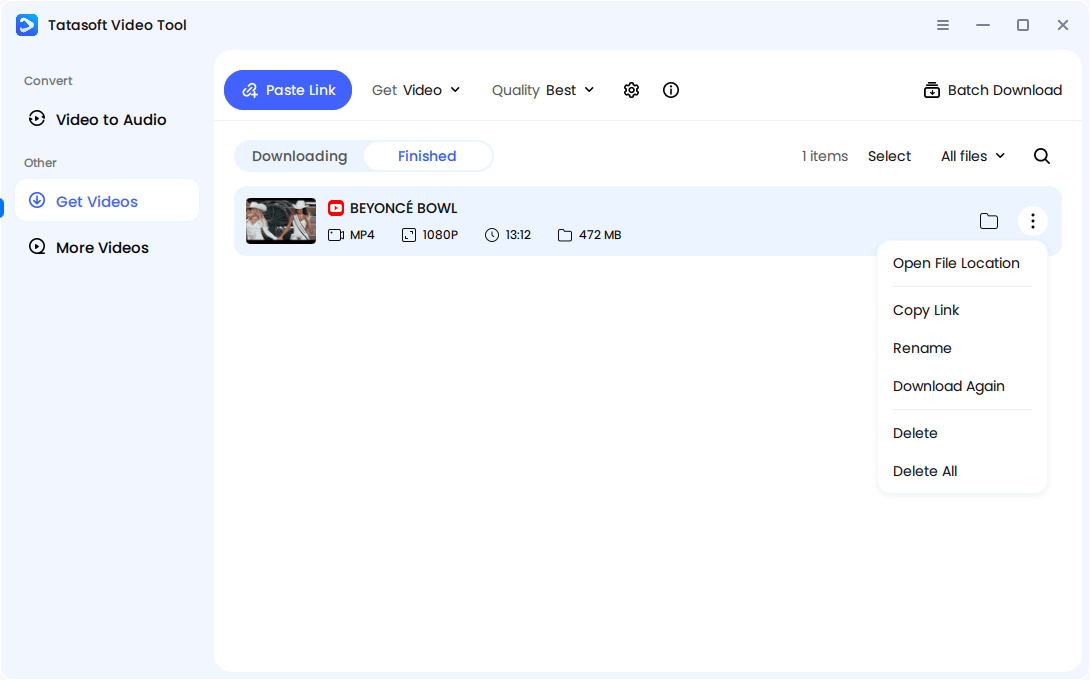
Pro Tip: Use Batch Mode to download multiple videos at once, such as playlists or educational content, efficiently and reliably.
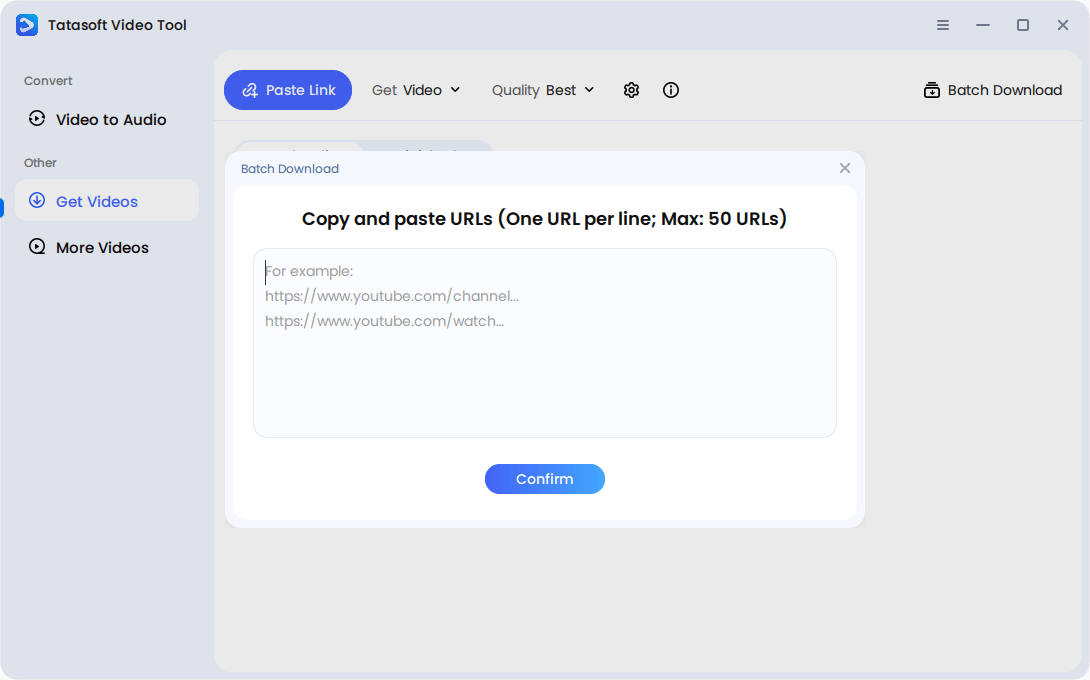
To ensure the best results:
Users should preview videos before saving and avoid compressing files unnecessarily. Tatasoft’s software ensures minimal quality loss, even for large video files, making it ideal for professional projects, content creation, or educational archives.
While Facebook doesn’t provide a direct "Download" button for most videos, there’s a lesser-known workaround using Facebook’s mBasic interface — a simplified version of the platform built for older mobile devices. By switching to this lightweight view, users can access the raw video file and save it directly without using any external tools.
1. Open Facebook in a browser and navigate to the video you want to download.
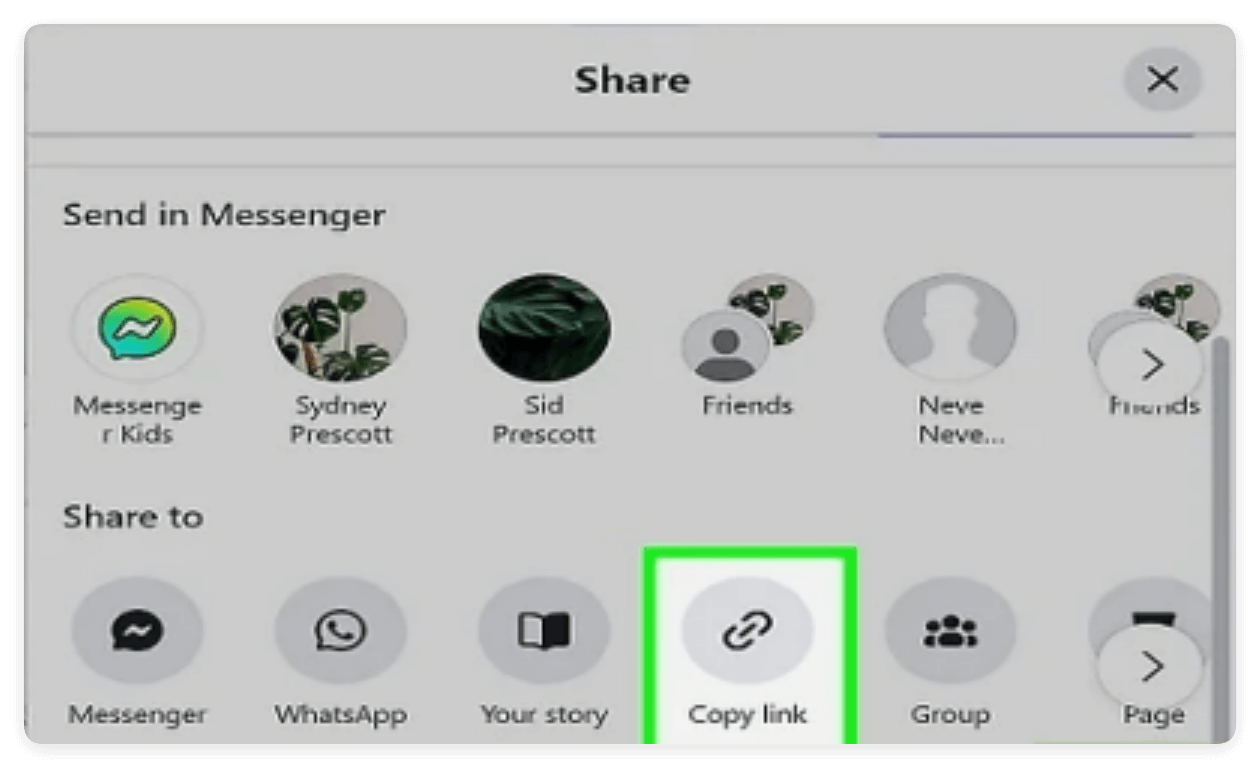
2. Right-click the video timestamp or click "Copy Link" from the Share menu to copy the video URL.
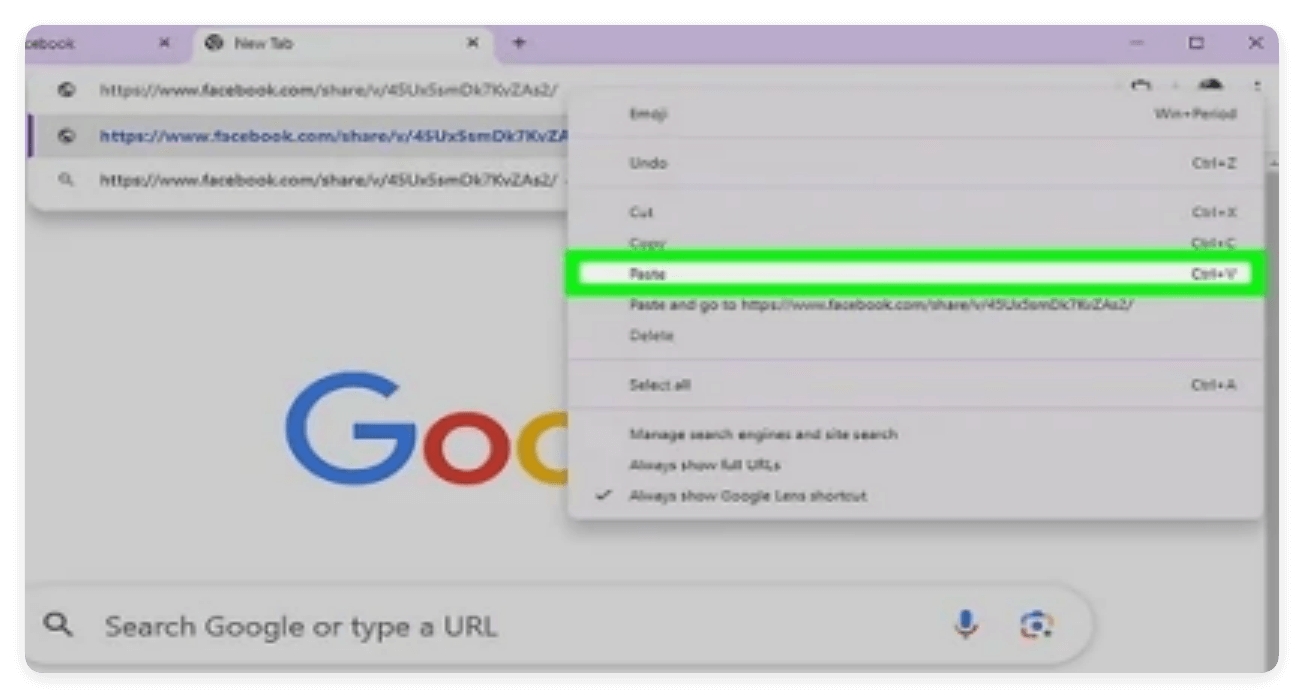
4. In the URL, replace www.facebook.com with mbasic.facebook.com — example:
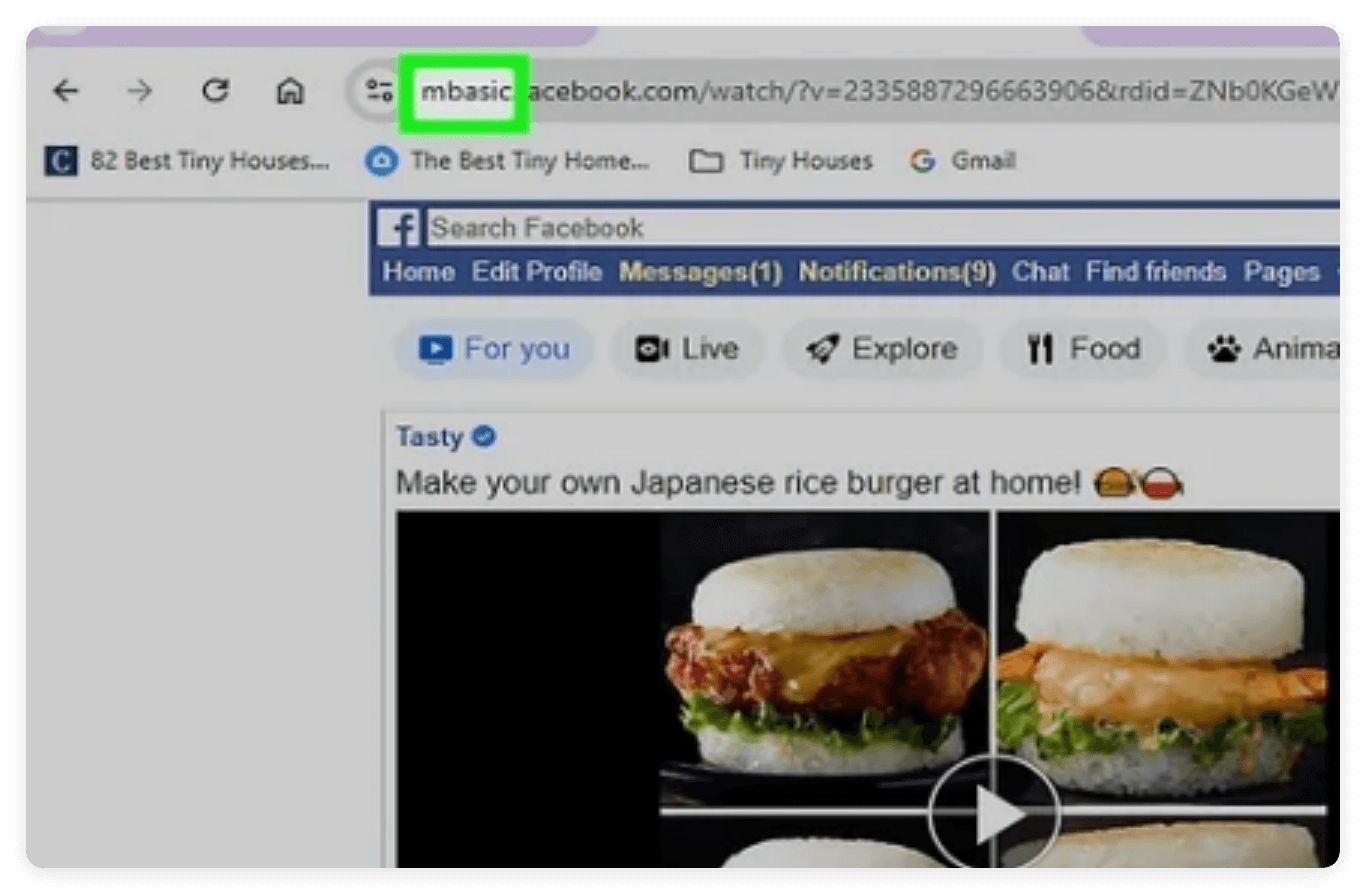
5. Press Enter — Facebook will load in its simplified mobile interface.
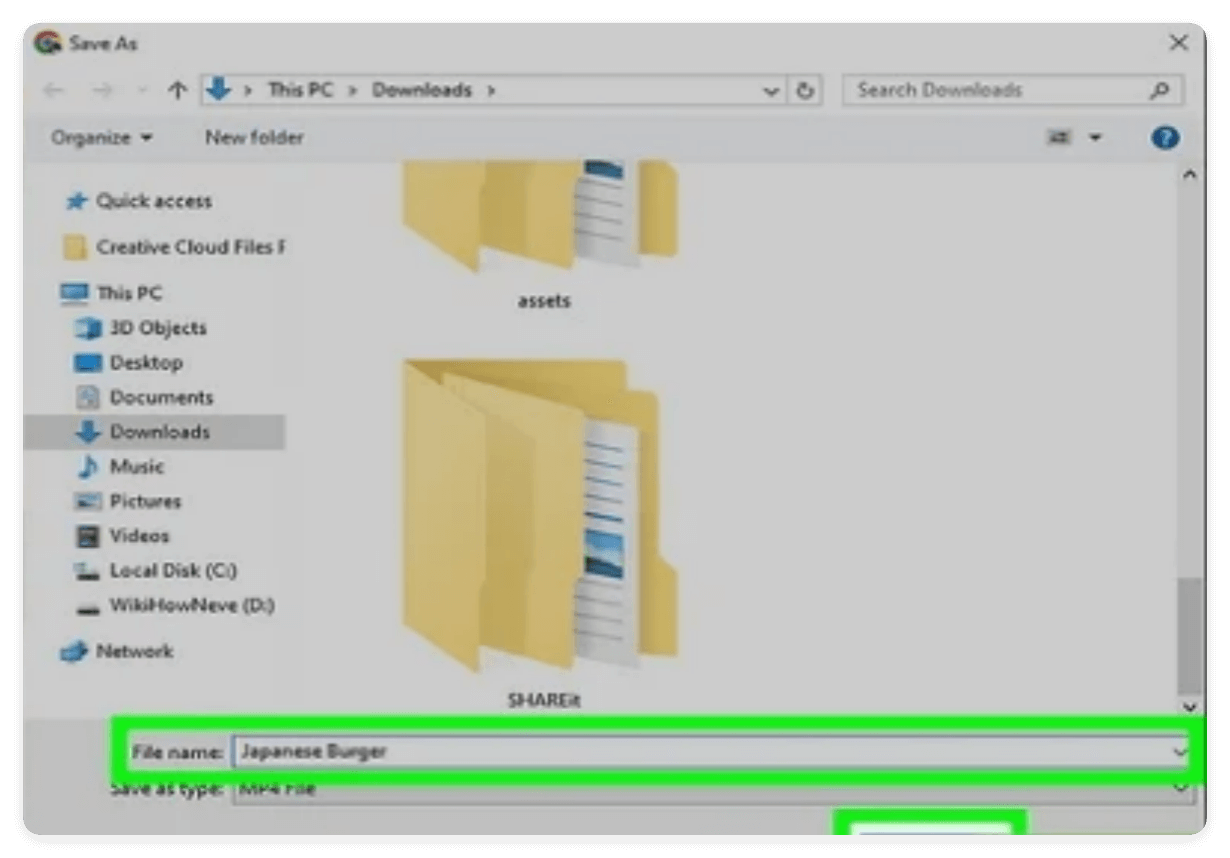
6. Click the video thumbnail, then right-click the video and select "Save Video As...".
7. Choose your preferred folder and save the MP4 file.
Note: This method is often limited to 360p or 480p and does not support private videos.
1. Using Browser Save Methods (Desktop Only)
2. Using Built-In Screen Recording (Mobile or Desktop)
Limitations of Manual Download Methods
Downloading videos safely is as important as selecting the right tool. Users must combine best practices with vigilance to avoid malware, poor quality, or legal issues.
Not all Facebook videos are the same. The type of content determines the download method and quality outcomes:
Understanding video types is crucial because it affects the downloader choice, expected quality, and legal compliance. While online tools may handle standard videos efficiently, complex formats like live streams or private videos often require external tool like Tatasoft Video Tool that manages multiple streams, preserves resolution, and ensures audio-video synchronization.
Safety Measures for Facebook Video Download:
Practical Tip:
For frequent downloads, Tatasoft software automatically ensures secure connections, merges streams correctly, and preserves full resolution, reducing the risks that online tools cannot mitigate.
Facebook video download online tools are convenient for quick, one-off downloads, but free platforms often compromise on quality, security, and functionality. For regular use, HD content, or professional purposes, relying on Tatasoft Video Tool is the safest and most effective choice. Beyond Facebook, Tatasoft Video Tool empowers you to save videos for offline use by supporting all major platforms. Whether you want to download YouTube videos in ultra-high definition or save TikTok videos for creative editing, this tool handles it all with ease.
Upgrade your Facebook video downloading experience today. Get Tatasoft Video Tool and enjoy secure, fast, and high-quality video downloads every time.
A dedicated technical writer at Tatasoft with over four years of specialized expertise in computing technology. She crafts actionable, user-centric content for tech niches, specializing in disk cloning, data management, and video solutions for Windows and Mac.
Read full bio
This article has been approved by Ben Lee. Ben's dedication to excellence and his comprehensive knowledge of Windows and Mac technologies make him an essential part of any technical writing team. With a career marked by continuous learning and adaptation to new technologies, Ben remains at the forefront of the ever-evolving tech landscape.