
Written byJanet BashorunUpdated on Mar 17, 2026

Brief introduction: Private video downloader tools have become essential for users who value privacy, security, and control over their digital content. Whether you need to download confidential webinars, private training clips, or unlisted personal videos, a private video downloader like Tatasoft Video Tool helps you access them safely without exposing your data or relying on insecure web-based services.
In this article
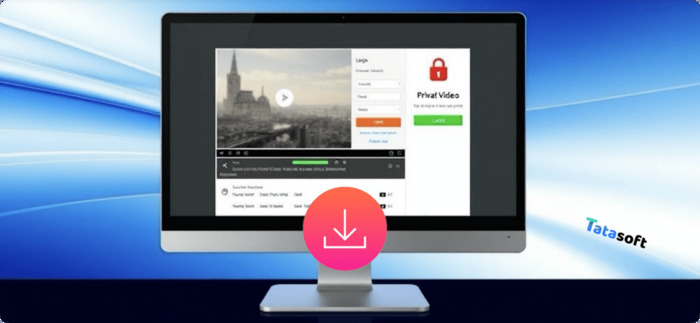
A standard downloader often fails when it hits a wall—specifically, a wall made of passwords, tokens, or "unlisted" privacy settings. A dedicated tool to download private video is engineered to navigate these authorized sessions.
Unlike generic web-based converters, a professional private video downloader acts as a secure bridge. It recognizes the secure structure of video URLs, authenticates your permissions when needed, and then allows you to download online videos that are hidden from the general public without violating privacy terms or compromising your data.
In an era of restricted digital media, the ability to download private video content isn't just a convenience—it’s a necessity for data sovereignty. Modern platforms often use "unlisted" or password-protected settings that standard tools can't bypass.
A Private Video Downloader bridges the gap between accessibility and protection, ensuring rightful users can save videos without breaching confidentiality or intellectual property boundaries.
If you’ve tried "free online" sites to download private video, you’ve likely encountered broken links or intrusive ads. Tatasoft Video Tool solves this by prioritizing the user's local environment. It doesn't just "rip" a video; it preserves the original quality and metadata while keeping your login credentials encrypted and local to your machine.
Every aspect of Tatasoft’s framework is built for security-first downloading, setting it apart as a modern, reliable, and ethical solution.
Here’s how to securely download private or restricted videos with Tatasoft:
Step 1: Install and Launch: Free download and install Tatasoft Video Tool on your computer.
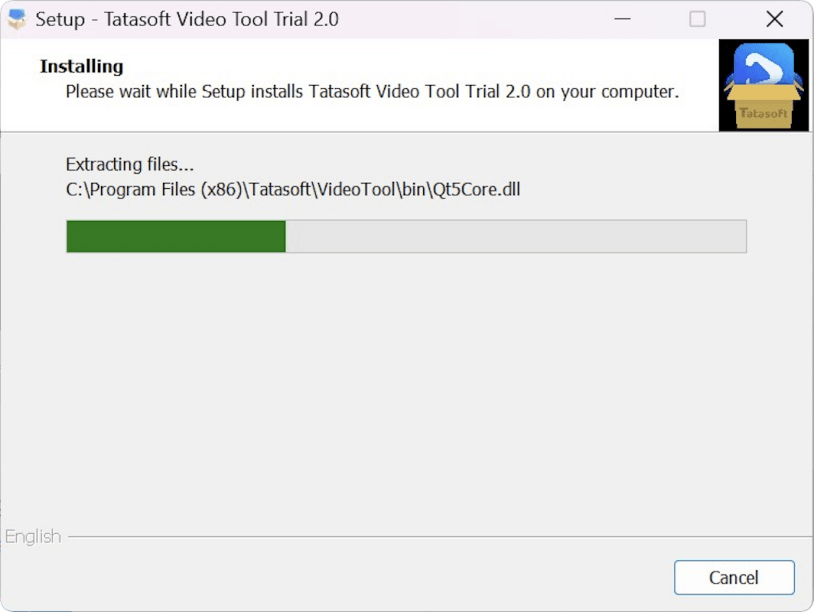
Step 2: Copy Private Video URL: Visit the platform hosting your private video — Vimeo, YouTube (unlisted), or an internal training site and copy the video link.
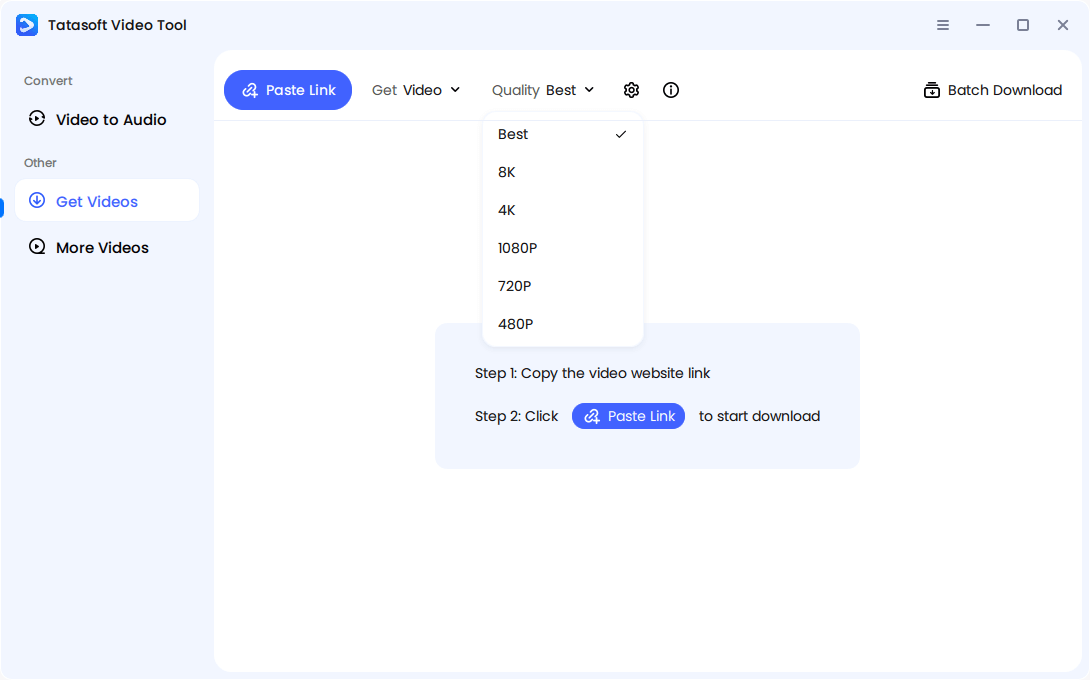
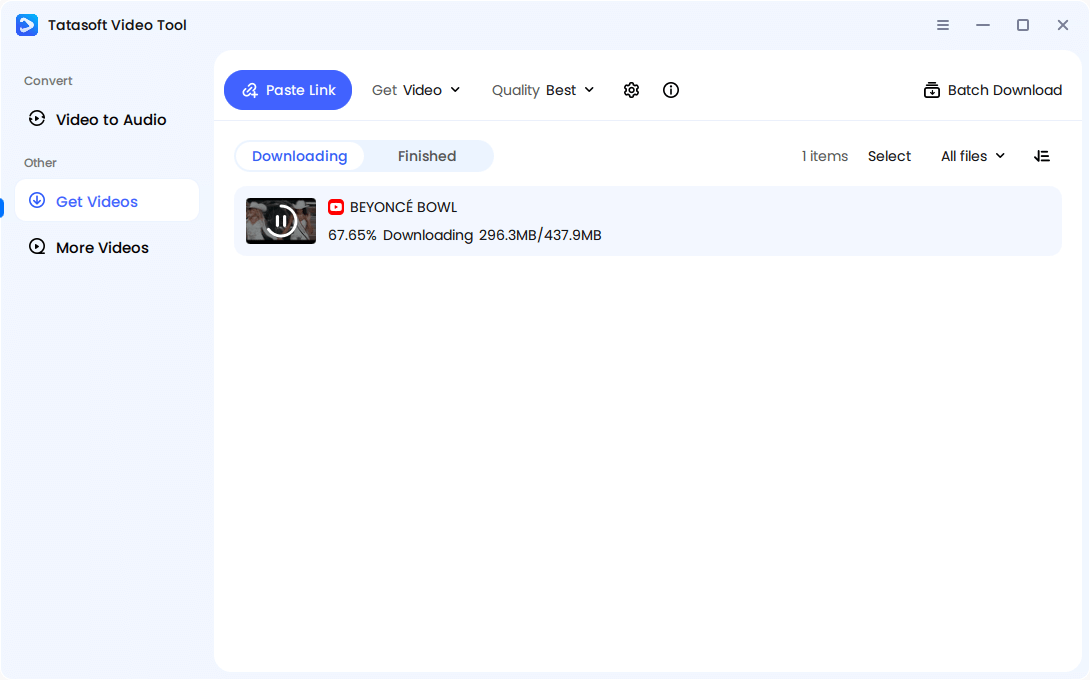
Step 3: Choose Your Format: Open Tatasoft Video Tool > Navigate to the Get Videos section > select your desired format and resolution (up to 8K). You can also select a save destination in settings.
Step 4: Paste the Video URL: Click Paste Link button. The software automatically analyze it.
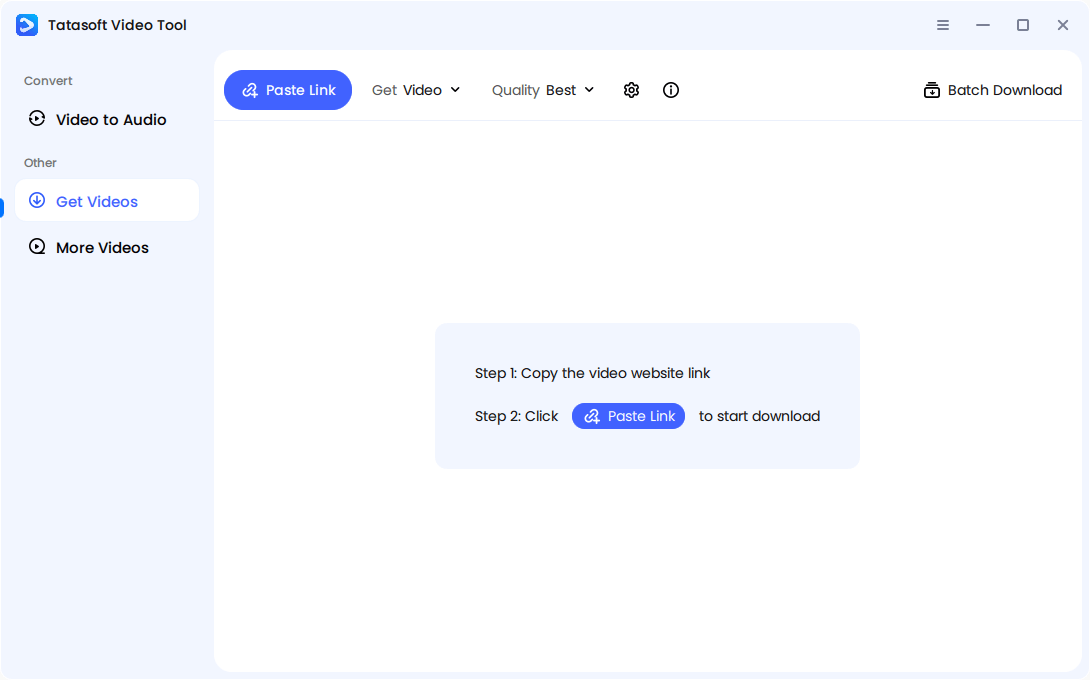
The software will start to download the private video directly to your chosen folder for instant offline access. Each stage is carefully encrypted, ensuring both privacy and performance — essential for business users, educators, and creators alike.
When evaluating a private video downloader, security is just the foundation. The ideal tool should blend strong encryption with intuitive usability and flexibility.
Key Features to Look For:
| Feature | Why It Matters for Private Videos |
|---|---|
| End-to-End Encryption | Protects your identity while fetching the data. |
| Batch Downloading | Saves time when downloading entire private courses. |
| Resolution Control | Ensures clarity from 480p up to 8K. |
| Zero Ad-Scripts | Prevents spyware from tracking your viewing habits. |
Using web-based converters to download private video is a gamble. Most of these sites use weak encryption and third-party trackers that can compromise your session cookies or personal data.
By using a video downloading software, you can download video from any website without exposing your browser to malware. Furthermore, if you only need the audio from a private seminar, it’s much safer to use a local tool to learn how to convert online video to mp3.
When you download private video content, security and ethics are equally important. To protect your digital footprint and respect content rights, follow these three essential safety practices:
By adhering to these standards, you maintain absolute digital sovereignty while enjoying the convenience of offline access.
The landscape is shifting toward "Zero-Knowledge" authentication. Future iterations of tools like Tatasoft are moving toward AI-driven privacy management, where the software can detect and adapt to platform encryption in real-time. This ensures that as websites get smarter, your ability to download private video content you own remains uninterrupted.
The demand for a secure, reliable, and privacy-focused Private Video Downloader continues to grow as users seek control over their digital content. Whether you’re protecting personal media, saving educational resources, or archiving business content, safety and compliance should never be compromised.
Tatasoft Video Tool delivers a perfect balance of speed and security. By keeping the process local and encrypted, it remains the most trusted choice for users who value their digital privacy and ownership. We understand that security and compatibility are your top priorities. To let you experience the performance of our tool firsthand, we are currently offering 5 free trial downloads for every new user.
A dedicated technical writer at Tatasoft with over four years of specialized expertise in computing technology. She crafts actionable, user-centric content for tech niches, specializing in disk cloning, data management, and video solutions for Windows and Mac.
Read full bio
This article has been approved by Ben Lee. Ben's dedication to excellence and his comprehensive knowledge of Windows and Mac technologies make him an essential part of any technical writing team. With a career marked by continuous learning and adaptation to new technologies, Ben remains at the forefront of the ever-evolving tech landscape.